Hi friends I am going to show you. How you can get 5tb One Drive for free
One drive
One drive is an cloud storage service by Microsoft and here we can save our data like documents, photos,and other.etc I has a free version and paid
Now I’m going to show you how to get the payed service for free
- 1. U need an edu mail for this
- (Click here https://youtu.be/Q3kncTRV5sI)
- To see tutorial on how to get edu mail for free
Then you can apply as Student or Teacher:
Student: https://signup.microsoft.com/signup?sku=student (Recommended)
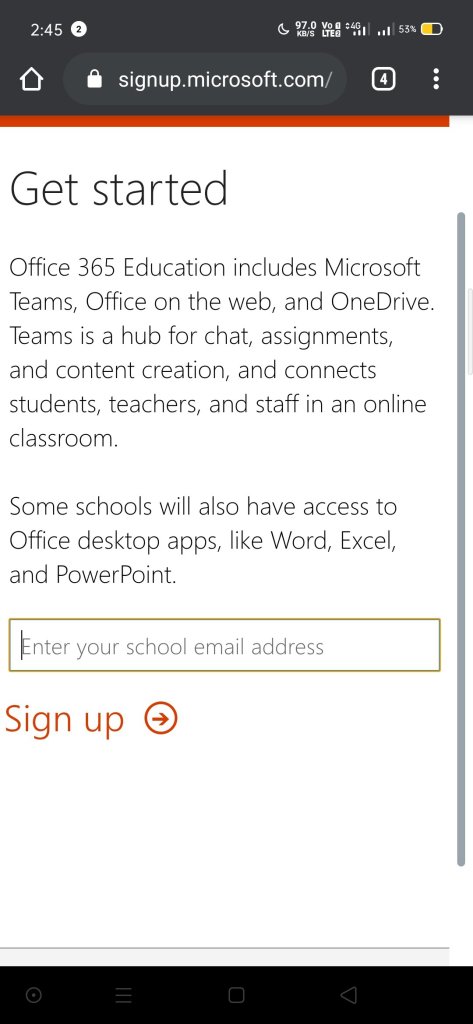
You fill all the information needed such as the password, the name, and untick the offers from microsoft.
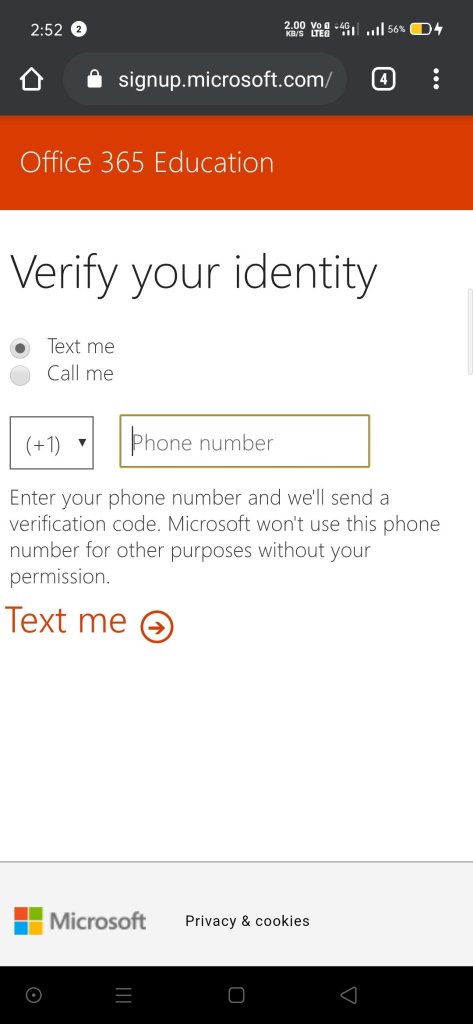
4.Finally, it will be asked a security code which is going to be delivered to your number.

3.Then you start your membership, you skip the invitations and let microsoft finish its setups.
You will have a screen like this one which means that you microsoft account is done.
In this screen you have to click in the “ONEDRIVE ICON” and wait for it.
Then you will be in this screen when your one drive account is all set.
Note: You can check your account by going to “one drive settings” > “More settings” > “Storage Metrics”
ENJOY IT AND MAKE SOME MONEY!
 mvstechtunes.tech